
Integrated Access Control and Face Readers for Factories and Offices
How access control and face readers connect with cameras and alarms.
SENTINEL
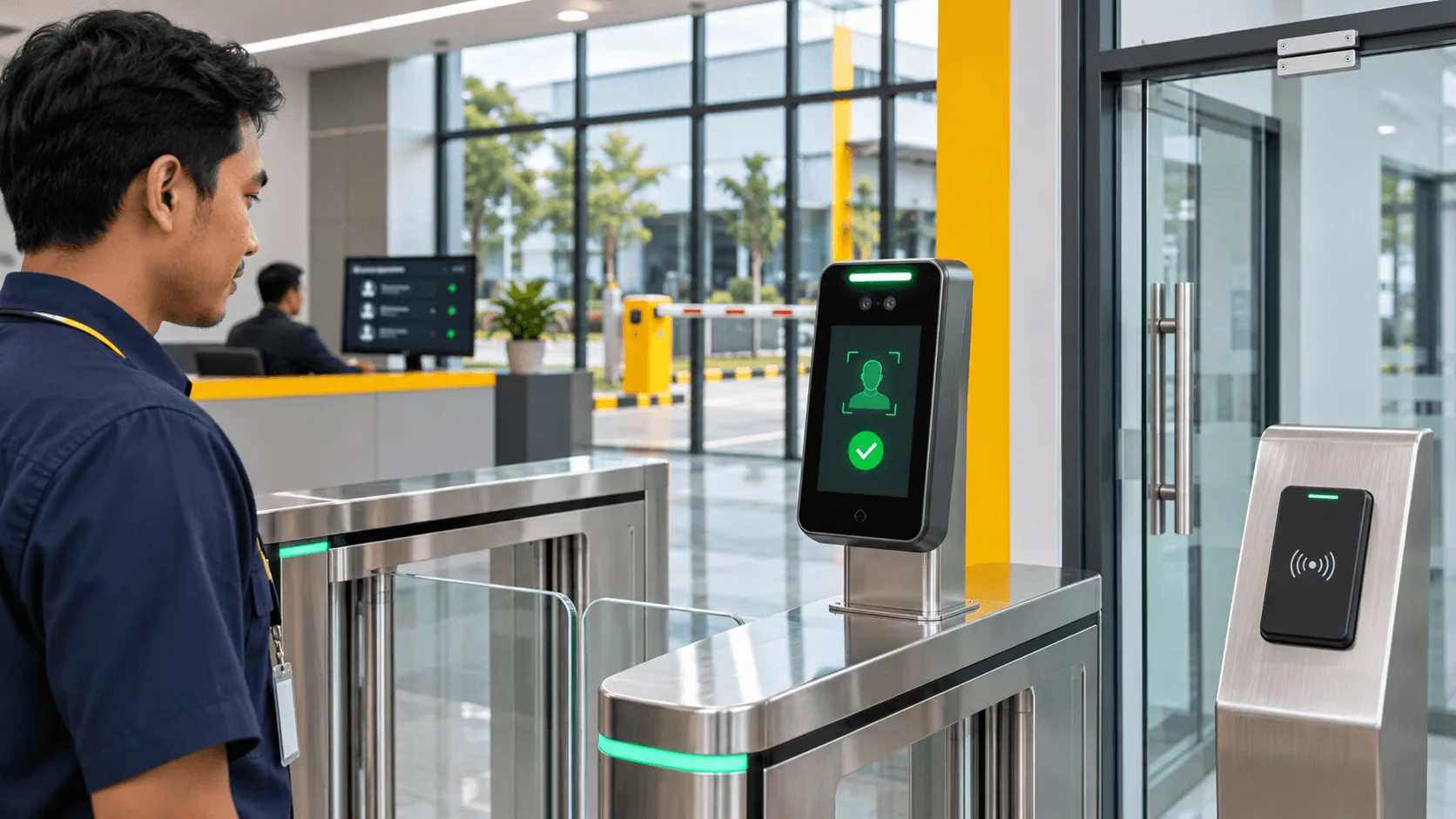
In April 2026, police arrested a former factory employee in Karawang who had stolen two motorbikes belonging to workers from the factory car park. According to police, his status as a former employee was suspected to be what made it easier for him to get past the factory's security. He was only identified after camera footage was reviewed, weeks after the incident.
This case shows that security is not only about recording what happens. An equally important question is: who may enter, which areas, and when. That is where access control comes in.
Common problems
- Former employees keep their access. Cards stay active, or guards still recognise the person as an "insider".
- Cards are lent or shared. One card is used by several people, including for clocking in on someone else's behalf.
- Tailgating. One person taps a card and two or three people follow them in.
- Doors forced or held open. Nobody knows until something goes missing.
- Access logs and footage are separate. To find out who entered at 22:00, staff must match two systems by hand.
Components of an access control system
| Device | Purpose |
|---|---|
| Card reader | Reads employee or visitor access cards |
| Face reader | Verifies faces without a card, so access cannot be lent |
| Door controller and electric lock | Opens the door only for authorised people |
| Turnstile or speed gate | Ensures one entry per person at the main entrance |
| Barrier gate and License Plate Recognition | Controls which vehicles may enter the car park or site |
| Door contact and exit button | Detects doors that are forced or left open |
| Alarm and siren | Signals when a violation happens |
Cards or face readers?
| Aspect | Access card | Face reader |
|---|---|---|
| Can be lent | Yes | No |
| Can be lost or forgotten | Yes | No |
| Touchless | Depends on the card type | Yes |
| Cost per user | Needs a physical card | No card needed |
| Personal data | Card number | Biometric data, subject to Indonesia's PDP Law |
Many companies use both: face readers for main entrances and sensitive areas, and cards for general doors.
Stronger when connected to a VMS
Stand-alone access control only records who tapped in and when. Connected to Axxon One, every access event comes with visual evidence:
- Every entry is recorded with video. Operators can see the door clip at the exact second of a card tap or face verification.
- Door alarms appear on screen instantly. A forced or held-open door immediately brings up video of the location.
- Alerts for people who must not enter. With Face Recognition & Search, faces on a watchlist, such as a former employee with a known issue, can trigger an alert when detected by cameras near the gate.
- Faster investigations. Access logs are matched with footage using MomentQuest, without replaying hours of recordings.
- One screen for everything. Doors, cameras, barrier gates, and alarms are monitored from one control room, including across many sites.
Best practices for managing access
- Revoke access on the last working day. Link HR processes with access control management so no access is left behind.
- Split the site into zones. For example lobby, production, warehouse, and server room, each with different access rights.
- Set access schedules. Warehouse access outside working hours only for specific staff.
- Register visitors and contractors. Use temporary cards or access codes with an expiry date.
- Review logs regularly. Look for unusual patterns, such as repeated access at odd hours.
- Handle face data properly. Get consent, limit who can view the data, and set a retention period. Read Face Recognition for Businesses: Benefits and Indonesia's PDP Law.
To secure fences and outer areas, read Perimeter Intrusion Detection for Factories and Warehouses.
How to get started
- Map doors and zones. Identify the most critical doors, such as the main entrance, warehouse, and server room.
- List existing devices. Note the card readers, controllers, door locks, and cameras already installed.
- Define access rules. Decide who may enter which zone and at what times.
- Start with a pilot. Integrate the main entrance and warehouse first, with cameras at the same points.
- Expand step by step. Add more doors, barrier gates, and branch sites.
Frequently asked questions
Can we use our existing access control devices? Usually yes, depending on the brand and integration method. This is checked during the site survey. Additional hardware needs can be supported together with partners.
Do face readers work for workers wearing helmets or masks? It depends on the device and site conditions, which is why testing is done during the pilot before rolling out to every door.
Can it be used for attendance? Yes. Entry and exit data from access control can serve as the basis for attendance, making buddy clock-ins much harder.
Control access with SENTINEL
SENTINEL (PT Sentra Teknologi Inteligen) is the sole distributor of AxxonSoft in Indonesia. Our team helps you map doors and zones, design the integration of access control, face readers, and cameras into one platform, and train your operators. Instalment payment schemes are also available through our multifinance partners.
Book a free consultation to design an integrated access control system for your office or factory.
News source (Indonesian): detikJabar, 10 April 2026