
Upgrade Your Existing CCTV to AI Without Replacing Cameras
Can older cameras run AI? Requirements, analog encoders, and upgrade steps.
SENTINEL
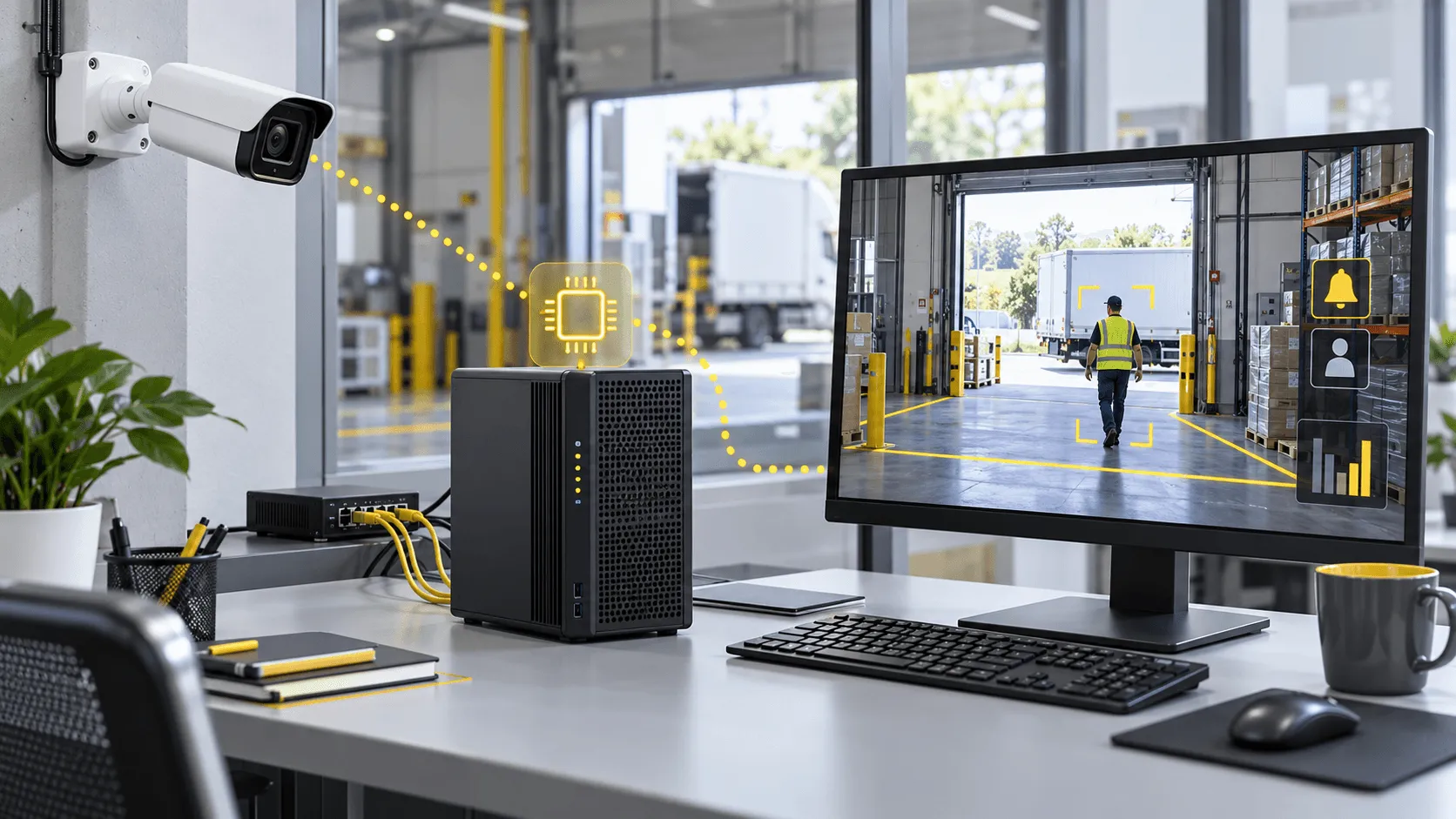
Many companies assume that using AI CCTV means replacing every camera with a new AI camera. In many cases, the cameras already installed can stay. The key is where the artificial intelligence (AI) actually runs.
This article explains how to add AI to your existing CCTV, what your current cameras need to meet, and how to upgrade safely.
Short answer: You can upgrade old CCTV to AI without replacing cameras by connecting your existing cameras to a VMS with built-in AI video analytics, such as Axxon One. IP cameras connect directly through ONVIF, while analog cameras use an encoder. The AI analytics run on a server, so what usually needs preparing is a server and GPU, not new cameras.
Where does the "AI" in AI CCTV run?
There are two ways to make CCTV "smart":
- AI inside the camera. Analytics run on the camera's chip. This means buying new AI cameras, and the available features are limited to what each camera supports.
- AI on a server or in software. Cameras simply send video, and software on a server analyses it. Your existing cameras keep working, and new analytics can be added at any time without touching the cameras.
The second approach is what makes upgrading old CCTV to AI possible. An AI video analytics Indonesia platform such as Axxon One works this way: video from cameras of different brands is analysed on the server, and the results appear in one application.
What your existing cameras need
Not every older camera is automatically ready for AI. Check the following:
- Camera type. IP cameras that support the ONVIF or RTSP standards can usually be connected straight away. Analogue cameras can still be used with a video encoder that converts their signal to digital video.
- Image quality. Full HD is generally enough to detect people and vehicles. Face and licence plate recognition need much more detail on the subject.
- Lighting. Areas that are dark at night need cameras with infrared (IR) or extra lighting so subjects stay clearly visible.
- Camera angle and position. AI can only analyse what it can see. Cameras that are too high, too far away, or blocked by other objects need repositioning.
- Network. Video has to reach the server reliably. A network that keeps dropping will disrupt the analytics too.
Which features usually work with existing cameras?
Each AI feature has different camera requirements. As a general guide:
| AI feature | Existing cameras usually suitable? | Notes |
|---|---|---|
| Human and vehicle detection | Yes | Works with most general surveillance cameras |
| Perimeter intrusion detection | Yes | As long as the fence or boundary is in view |
| Smoke and fire detection | Yes | As long as high-risk areas are clearly visible |
| PPE compliance | Often | Workers need to appear close and clear enough |
| People counting | Needs checking | Best results with a downward-facing camera at entrances |
| Face recognition | Often needs a dedicated camera | Requires face-level placement at entry points |
| Licence plate recognition | Often needs a dedicated camera | Requires a specific angle and settings at gates |
This means you can start with features that run on your existing cameras, then add dedicated cameras only where they are truly needed.
How to upgrade old CCTV to AI
- Survey and audit your cameras. Record the number, brand, type, and position of each camera. This shows which cameras are ready, which need moving, and which need replacing.
- Pick one priority need. For example, fence security at night, PPE compliance in production areas, or queues at checkouts. Focusing on one problem makes results easy to measure.
- Prepare the server. Server requirements depend on the number of cameras and the analytics you run. Neural network analytics generally perform best with GPU support.
- Run a pilot on a few cameras. Set detection zones, schedules, and sensitivity, then review the results over a few weeks.
- Expand step by step. Once results are proven, add more cameras and features based on your next priorities.
Replace every camera or add software?
| Consideration | Replace all with AI cameras | Add AI software on a server |
|---|---|---|
| Upfront cost | High: new cameras, installation, cabling | Lower: existing cameras stay in use |
| Installation time | Long, every point needs work | Faster, most work happens on the server |
| Operational disruption | Monitoring stops during replacement | Minimal, cameras keep recording |
| Adding features | Limited to camera capabilities | Can be added at any time |
| Camera brands | Tends to lock you into one brand | Mix different brands |
AI camera prices vary from unit to unit. What is often overlooked is the total cost: removal, installation, cabling, and the time an area goes unmonitored. With a software approach, budget can go to the server, analytics licences, and dedicated cameras only where they are needed.
Can you switch VMS without replacing cameras?
Yes. Changing your video management system does not mean changing your cameras. Most IP cameras from different brands can be added to a new VMS such as Axxon One, which integrates with thousands of IP camera models and supports ONVIF. Analog cameras can stay in use through an encoder.
A typical switch looks like this:
- List your cameras. Record the brand, model, and resolution of each camera.
- Check compatibility. Confirm each model is supported by the new VMS.
- Run both systems side by side. Keep the old NVR or DVR running until its recordings are no longer needed.
- Move cameras in stages. Start with one area, check the results, then continue.
Your old footage stays accessible in the old system, while new recordings and AI analytics run in the new VMS.
Features you can use right away
- AI Human Detection: detects people in specific areas and at specific times, with fewer false alarms.
- Perimeter Intrusion Detection: alerts when someone crosses a fence or boundary.
- Fire & Smoke Detection: early detection of smoke and fire in warehouses or production areas.
- AI Personal Protective Equipment: monitors the use of helmets and safety vests.
- People Counting: counts people coming in and going out.
For entry points that need identification, features such as License Plate Recognition can be added later with dedicated cameras.
Frequently asked questions
Can cameras from different brands be combined? Yes. A VMS platform such as Axxon One supports cameras from many brands in one view, so you do not need to standardise on one brand. Read more in What Is a VMS?
Does AI analytics need an internet connection? Not necessarily. Axxon One can be installed on your own servers (on-premise), so video and analytics stay on your internal network.
Can old analogue CCTV be upgraded? Yes, with a video encoder. However, the image quality of analogue cameras should be checked first so the analytics stay accurate.
Want a fuller comparison of conventional and AI CCTV? Read Conventional CCTV vs AI CCTV: 5 Differences That Matter for Business.
Start your upgrade with SENTINEL
SENTINEL (PT Sentra Teknologi Inteligen) is the sole distributor of AxxonSoft in Indonesia. Our team helps you audit your existing cameras, choose the right features, design your servers, and train your team. Instalment payment schemes are also available through our multifinance partners.
Book a free consultation to find out which of your cameras are ready for AI.